Guide · for ADIs in Ireland
The five details the portal asks for, the two buttons that matter, what the receipt means, and the three refusals you will meet — explained once, so the end of a lesson stops being paperwork.
Written for instructors, not learners. Reading time about six minutes.
First, the shape of it
Every Essential Driver Training lesson you give has to be recorded with the RSA under your own ADI login. The record is what the RSA checks for compliance, what the learner sees on their MyEDT account, and what decides whether they can book a test. The RSA asks you to upload each lesson as soon as you can after it ends.
The portal is the ADI Logbook at ccwadi.rsa.ie. Behind the sign-in there are three pages you will use: Upload Lessons, View Completed Lessons and Manage Logbooks. Uploading is a two-stage affair: Add this Lesson stages a row, Submit All Lessons saves everything you staged. Nothing is on the RSA until you have pressed the second one and read the receipt.
For each lesson the portal wants exactly five things. Have them ready before you start, because the form rejects a stray space as readily as a wrong digit.
Step by step
Not sure whether a lesson went through? Open View Completed Lessons and search by driver number or surname. The page lists your recent uploads twenty at a time.
When the portal says no
The learner's two identifiers disagree with the RSA's record. Nine times in ten it is the date: a digit swapped, a two-digit year, or month and day the wrong way round. Check the permit, not your memory.
That module is already on the RSA for this learner — logged by you earlier, or by a previous instructor. Nothing to fix: pick the module you actually covered, or leave it if the record is right.
The receipt page that is not a receipt. One staged row failed and the portal saved none of them. The failed rows are marked; Edit them, then press Submit All Lessons again.
A fourth case is not a refusal at all: a server error page, or a page that never finishes loading. The RSA's site has its off days. Before you add the lesson again, check View Completed Lessons — it is common for the save to have gone through on the first try even though the receipt never arrived.
The dropdown
The names in the portal differ slightly from the learner logbook, which trips people up when they search the list. This is the dropdown, word for word.
Reduced EDT. A learner with a full licence from certain other countries does six modules instead of twelve: 01, 05, 06, 07, 09 and 10. You upload them exactly the same way; only the set is shorter.
Pre-test lessons are not EDT and are never uploaded. Once the learner's EDT set is complete, every later lesson is practice for the test and the portal has no place for it.
Questions instructors ask
Not instantly. Learners are told to allow up to ten working days, and in practice it is often quicker. The useful rule is the other way round: don't leave a learner's last EDT lesson to the week of their test, because they cannot book until all twelve are on the record.
Yes. The RSA record is the one that counts, but the learner presents the paper logbook at the test centre and the examiner expects to see the lessons signed and stamped. Do both, every time.
No. An ADI records only the lessons they delivered themselves, under their own login. If a learner comes to you mid-way, their earlier modules stay with the instructor who gave them — and the portal will refuse those modules for you anyway.
Not from the upload page. Once a row is submitted it is on the record. Contact the RSA's ADI support to have an entry corrected, and tell the learner, because they will see the wrong module on MyEDT in the meantime.
You can, but don't. The completion date is a statement that the lesson was delivered. Log it when it is over — ideally before you drive off, while the learner is still beside you and the logbook is in your hand.
By default the page lists your recent uploads, twenty rows at a time with a link to the next twenty. To find an older lesson, search by the learner's driver number or surname.
The shortcut
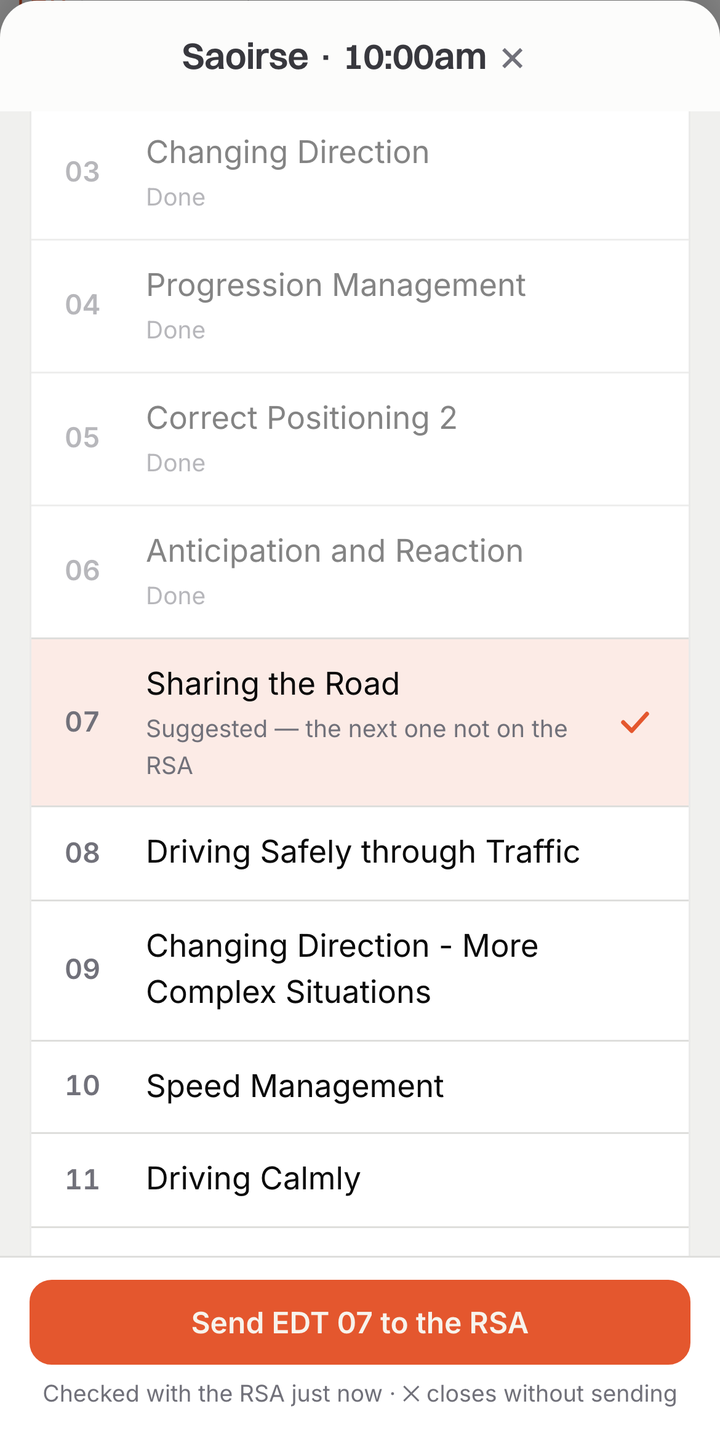
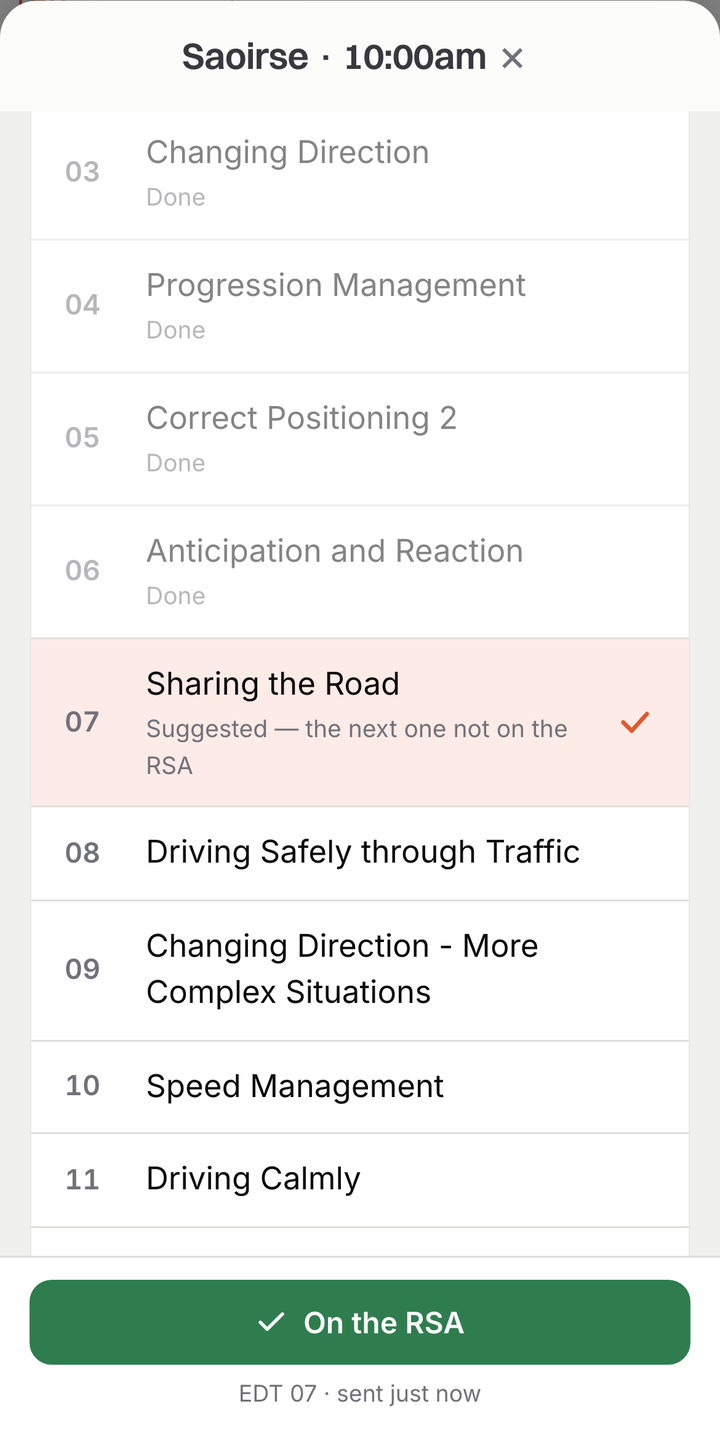
Everything above is what Pamio does for you when you tap Send to the RSA on a lesson in your diary. You connect your ADI login once, on your own phone, and it stays there — it is never sent to Pamio. After that each lesson is about ten seconds: Pamio signs in, fills the five details from the learner's profile, adds and submits the lesson, reads the receipt, and shows you the portal's own words if it refuses.
It also remembers which modules are already on the RSA for each learner, so the “already completed” refusal stops happening, and pre-test lessons are never sent.


RSA logging is included in every Pamio plan, with EDT tracking to match.
Prefer to see it on your own diary first? Request a demo →
How to log EDT lessons on the RSA ADI portal · about 7 min left